One of the great ironies of science is that, in the search of truth, we spend all of our efforts trying to prove ourselves wrong. We design a model, assume it’s true, and test it against the data. When the data doesn’t fit, we toss it. And to be considered serious scientists, we need to try our hardest to prove ourselves wrong.
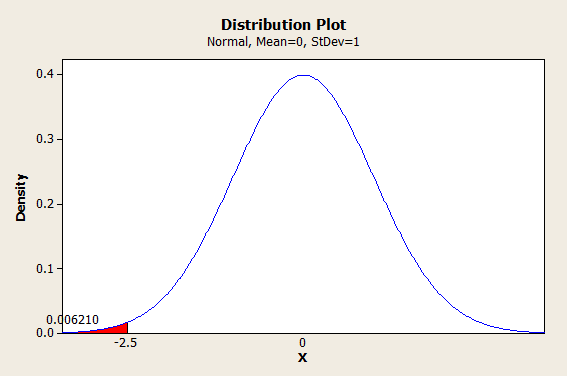
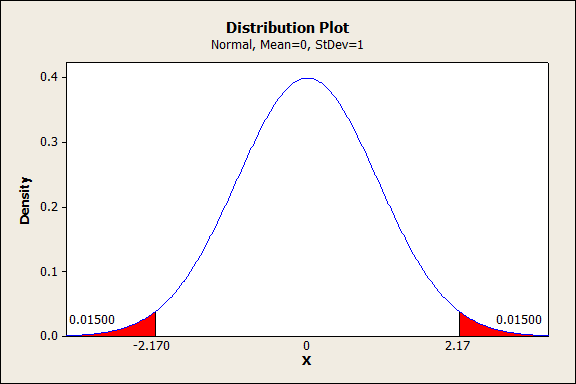
But what qualifies as “wrong?” Just how inconsistent does our data need to be before we toss the model? Part of the answer to this question comes from statistics, and a number called the P-value.
Read More...
Welcome back! This is the last part of the series on relativity. Today we’ll talk about how gravity effects time and space. You might want to look at
Welcome to part 3 of my series on the theory of relativity for kids.
Last week I wrote an
So you want to understand the theory of relativity, and you’re a kid? No problem. Let’s get started.
Despite dispute in the media, the scientific consensus is almost unanimous: the world is getting warmer as a result of human activity. But the scientific consensus is so clouded by politics that it’s very difficult for the average person to figure out what’s going on. I’m sick and tired of this, so what follows is a (hopefully) refreshing taste of dryness on the subject. No opinions, just the scientific consensus.